Rectangle
A decorative box for grouping or separating controls.
CONTROLDECORATIVE
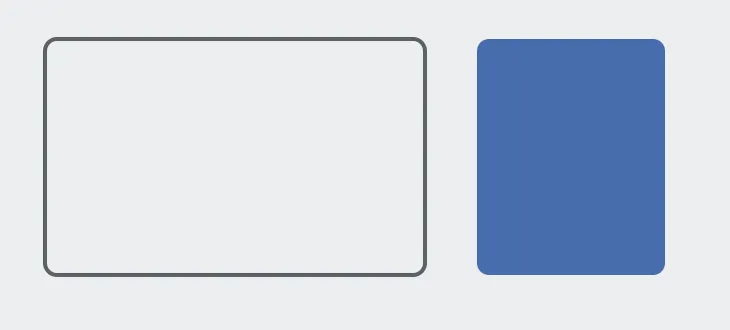
As it arrives — outlined and unfilled — and with a fill instead. Either can be set to Transparent.
A rectangle is decoration: it gives a screen visible structure by boxing a related group of controls or ruling off a zone. It reads no tags and writes nothing.
It arrives outlined and unfilled, because the common use is boxing controls that are already there, where a fill would cover them. Both fill and outline accept Transparent.
Adding the control
Section titled “Adding the control”- Open the document and select the screen you want from the screen tabs.
- In the control palette, press Rectangle and drag it onto the canvas.
- Size it around the controls it groups. To put it behind them, drag it down in the Layers panel.
Properties
Section titled “Properties”| Property | Description | Default |
|---|---|---|
| Fill | Interior color, or Transparent. | transparent |
| Outline | Border color, or Transparent. | muted content |
| Outline width | Border thickness in pixels. | 2 |
| Corner radius | Rounding of the corners. | 6 |
Presses pass through
Section titled “Presses pass through”A shape never intercepts a press. A filled panel drawn across a row of buttons cannot swallow their taps, whatever the layer order.