Line
A rule at any angle, for separating or pointing.
CONTROLDECORATIVE
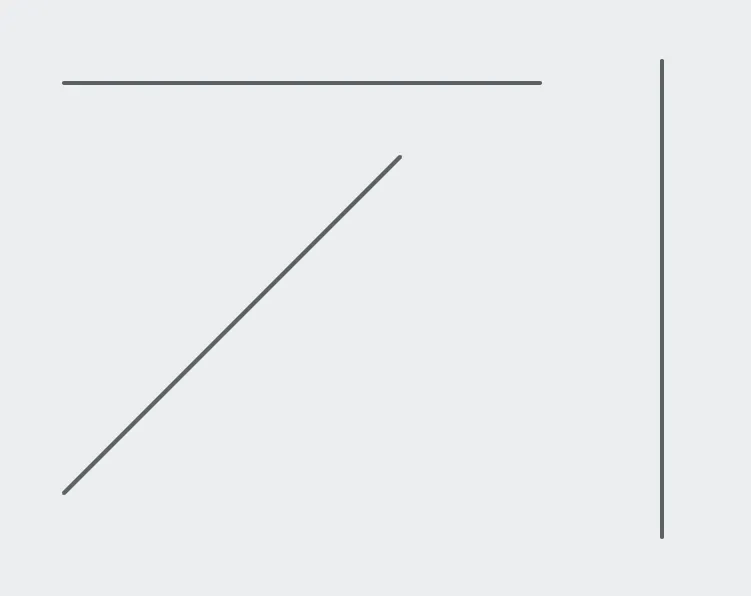
Horizontal, vertical and a diagonal between them. 0° and 90° are exact; anything else is a true angle rather than a near-miss.
A line rules off one part of a screen from another, or points at something. It reads no tags, writes nothing, and never intercepts a press.
Adding the control
Section titled “Adding the control”- Open the document and select the screen you want from the screen tabs.
- In the control palette, press Line and drag it onto the canvas.
- Set its angle, or drag its bounds.
Properties
Section titled “Properties”| Property | Description | Default |
|---|---|---|
| Color | Line color. | muted content |
| Thickness | Line thickness in pixels. | 2 |
| Angle | Direction of the line, in degrees. | 0 |
| Length | Length of the line, in pixels. | from its bounds |
0° is horizontal and 90° is vertical, both exact, and anything between is a
true diagonal. The four right angles have one-tap presets; Angle and
Length can also be typed for anything else.
Whatever the angle, the control keeps an ordinary upright box, so selecting, aligning and marquee behave as they do for every other control.